
Use OpenClaw with Speakeasy
Connect OpenClaw to Speakeasy so AI-assisted work happens in focused topic-based conversations with the right people, context, and approval checkpoints nearby. Install @speakeasyto/openclaw-plugin-speakeasy from NPM to add the Speakeasy channel to an OpenClaw gateway.
Open the NPM package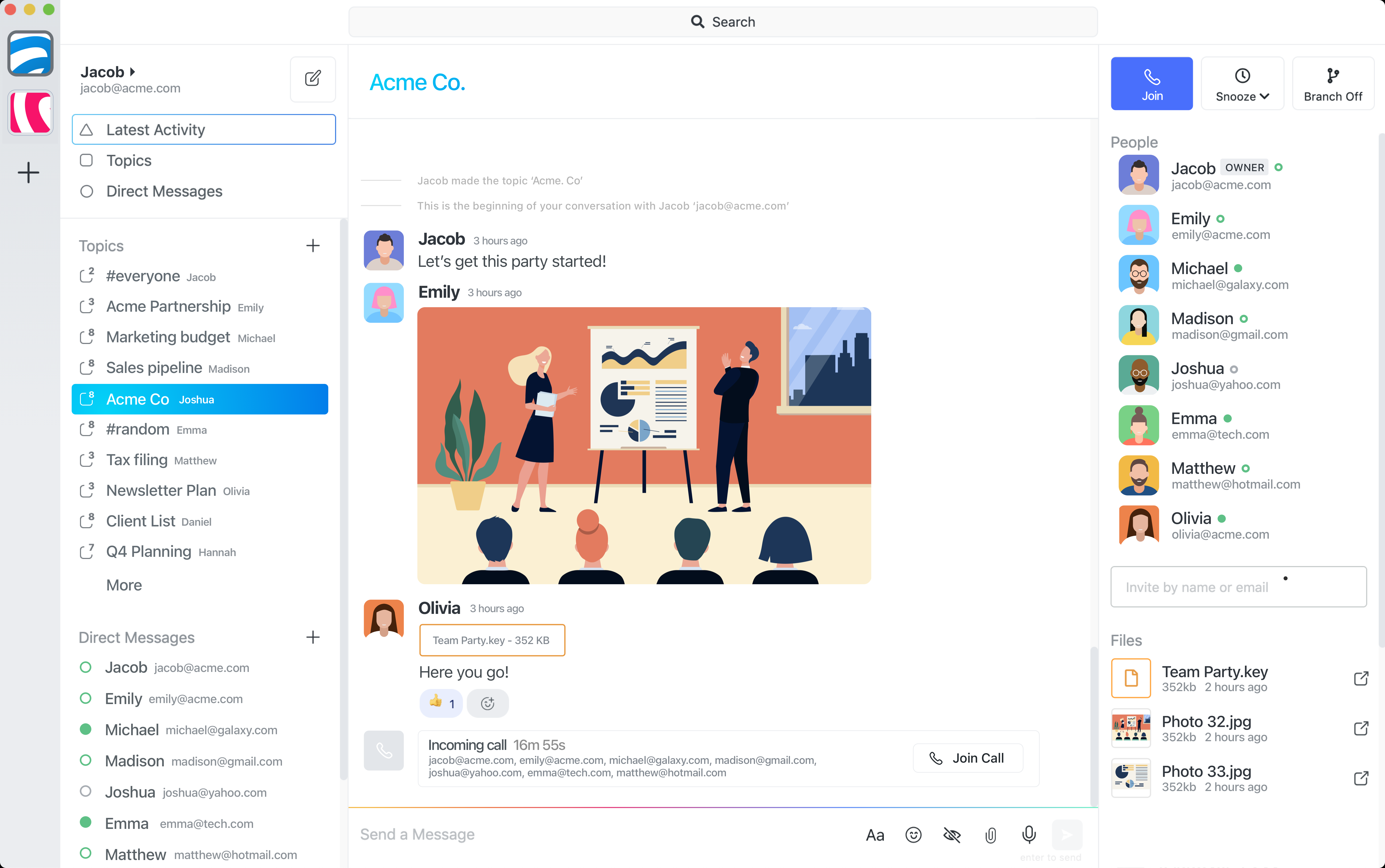
What OpenClaw is
OpenClaw is an AI agent runtime for running task-focused workflows. With Speakeasy, those workflows can report into the same topic where the human discussion, files, decisions, and follow-up already live.
Install the Speakeasy OpenClaw plugin
The Speakeasy channel plugin is published on NPM as @speakeasyto/openclaw-plugin-speakeasy. Install it with openclaw plugins install @speakeasyto/openclaw-plugin-speakeasy then restart the OpenClaw gateway so Speakeasy appears as an available channel.
Connect OpenClaw to topic-based chat
Use Speakeasy as the team communication layer where OpenClaw agents can receive task context and post updates back to the right topic.
Why Speakeasy works well with AI agents
Speakeasy topics are focused by default. Instead of sending every agent update into a broad channel, OpenClaw can keep task instructions, progress, questions, and outputs inside the conversation that owns the work.
How the External Agent Skill works
Speakeasy provides an External Agent Skill for OpenClaw-style plugins. After a user enables Agent Discovery and approves the request, OpenClaw gets its own agent participant identity and can read topics, post chats, attach files, and receive workflow events.
Example workflows
Use OpenClaw to summarise a topic, draft a reply, extract action items, follow up on stale conversations, prepare meeting notes, or coordinate work with a human approval step before the next action runs.
Human approval and guardrails
Speakeasy keeps the connection approval explicit, scopes agent work to approved topic access, and gives people a visible place to review progress, ask for changes, approve outputs, or stop a workflow.
Set up the connection
The NPM package provides the installable OpenClaw channel. The External Agent Skill documentation covers discovery, approval, token exchange, topic history, attachments, idempotency, and event delivery for the Speakeasy connection.
Common questions
What is the Speakeasy External Agent Skill for OpenClaw?
It is the Speakeasy integration guide and API skill that the published OpenClaw NPM package can use to request approval, join Speakeasy as an agent participant, read topic context, post updates, and receive events.
Where do I install the Speakeasy OpenClaw plugin?
Install the NPM package with openclaw plugins install @speakeasyto/openclaw-plugin-speakeasy and restart the OpenClaw gateway so the Speakeasy channel is available.
Does OpenClaw need human approval before joining Speakeasy?
Yes. A person must enable Agent Discovery and approve the connection request before OpenClaw receives agent credentials for Speakeasy.
Can teams review OpenClaw work before it moves forward?
Yes. Speakeasy topics keep the task context, progress, files, and approval requests together so people can review agent work before the next step is taken.